Ratings have very become popular over time as they are the best combination of ease of use and good insights.
At a single click, ratings remain the most unobtrusive way of giving feedback about something. This is specially important nowadays with attention spans growing thinner and thinner.
Keeping it simple and fast for your users makes for one less obstacle between you and the feedback you need to put your effort where it’s needed most.
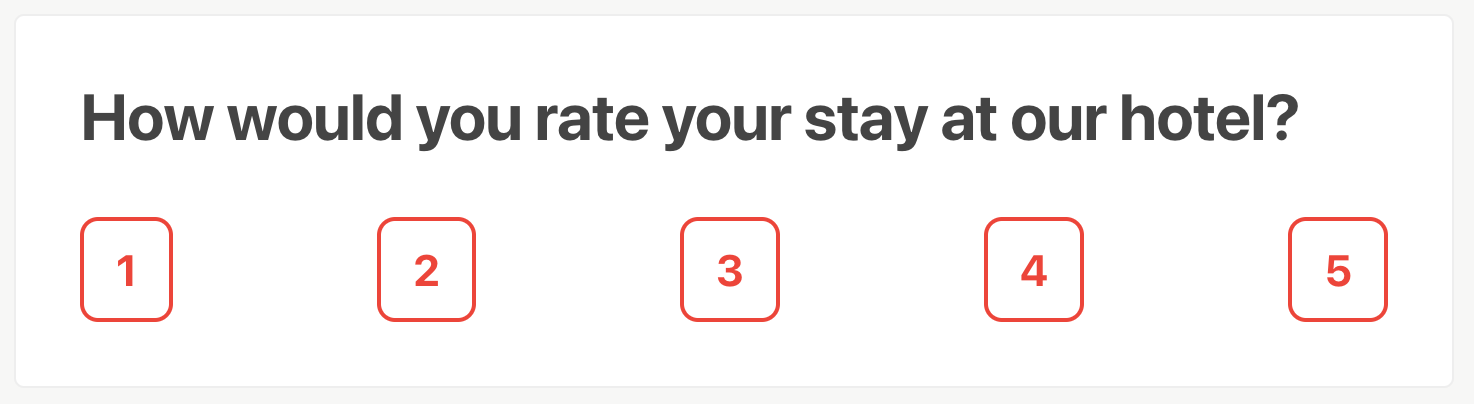
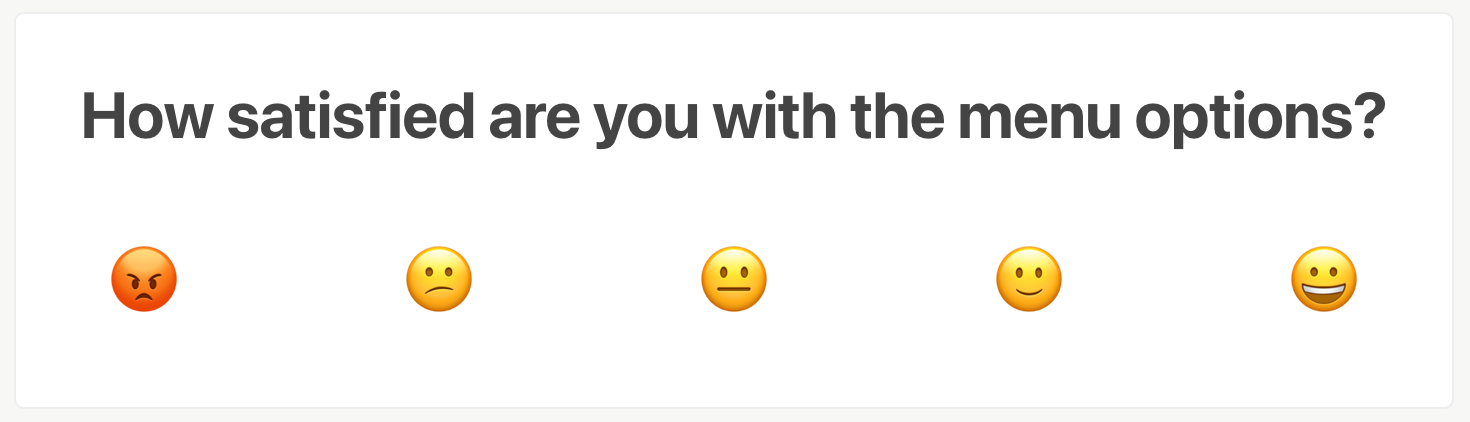
Adding the Rating Question block
To add the Rating block, click the  button at the top-left side of the screen to open the Block Library. You can find the Rating block within the “Question” category:

You can also type /rating on a new line in the editor to quickly add a Ranking block.
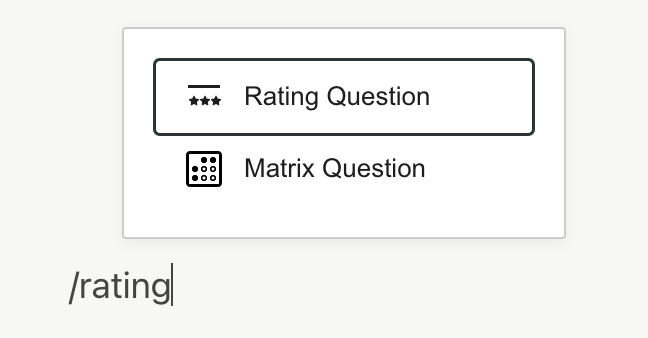
Editing the Rating Question block
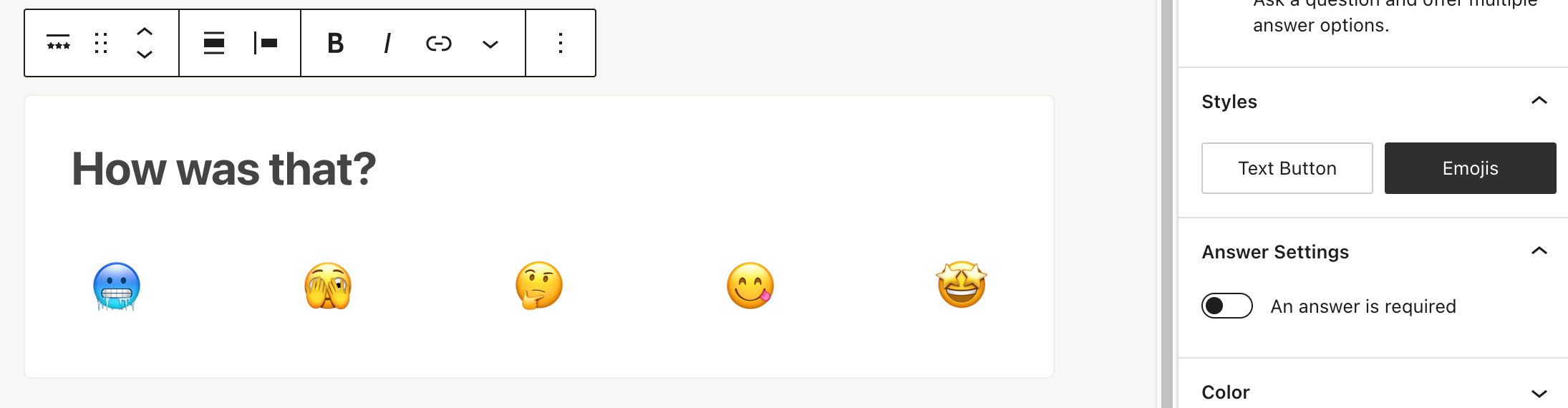
Once you add the Rating block, you’ll see a question placeholder and a default style:
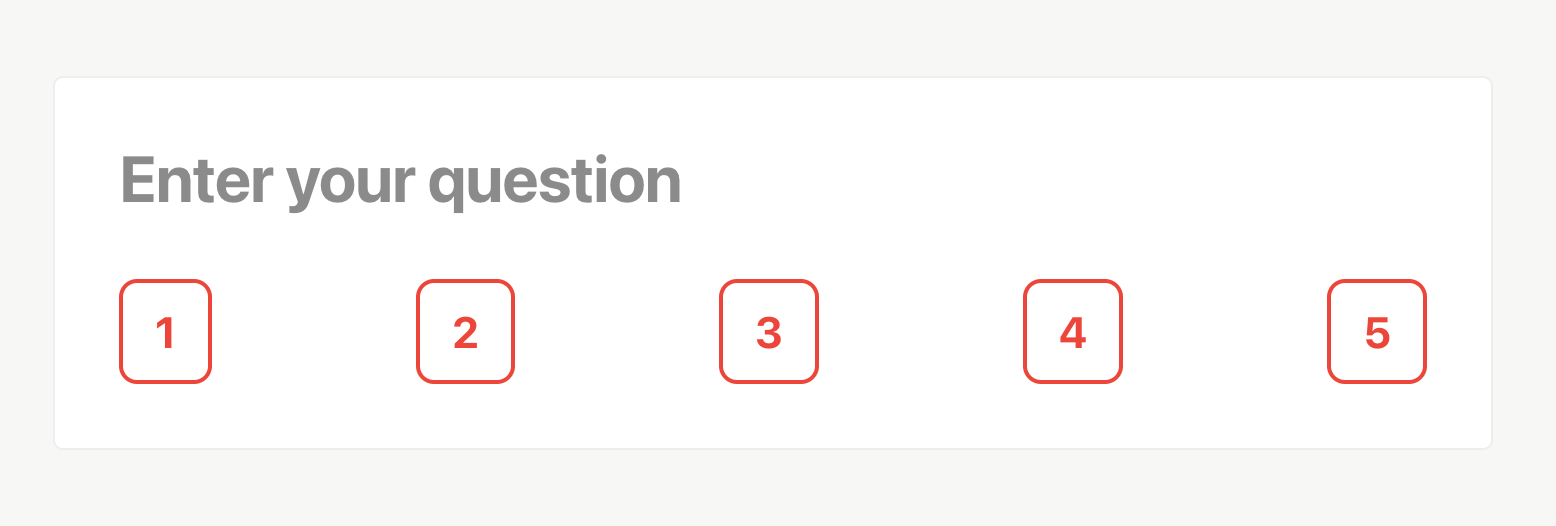
Enter your question and the rating block is ready to go. By default we provide a 1 to 5 scale, but those can be whatever you like.
On the sidebar, you’ll have the chance to change the scale mode to Emoji, which affects how the selection is shown to the user. Again, we provide a default set, but you can use whatever emoji you have at hand to make it your very own scale.
Collecting responses
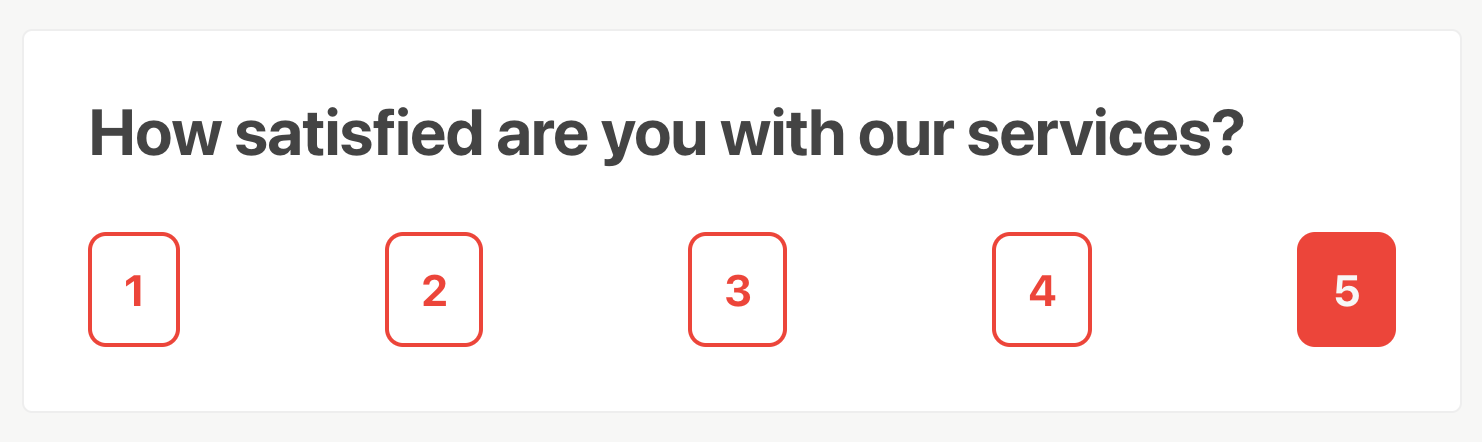
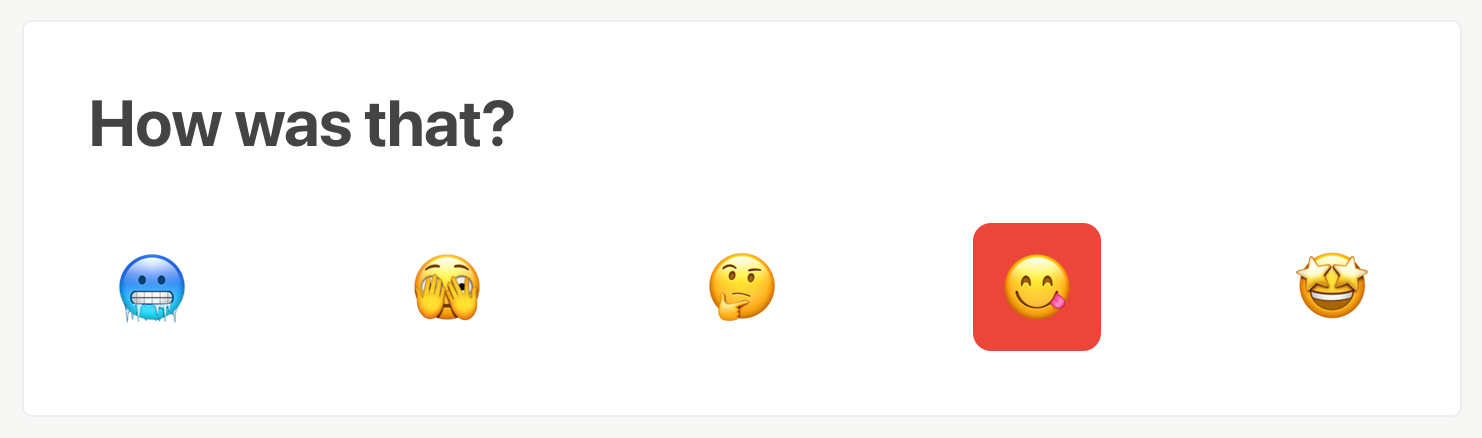
After publishing your project and sharing it with the target audience, visitors will be able to express their opinion at the click of a button:
The results
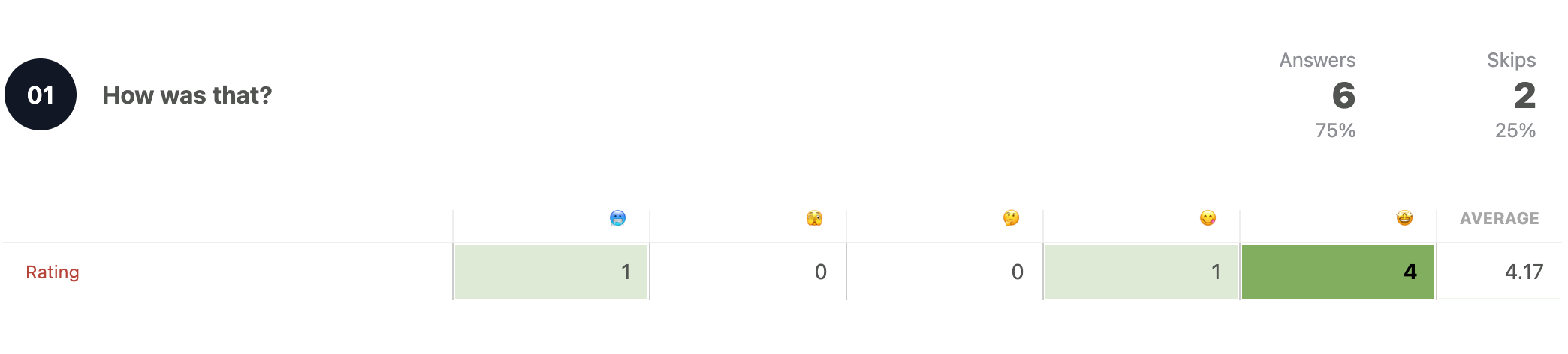
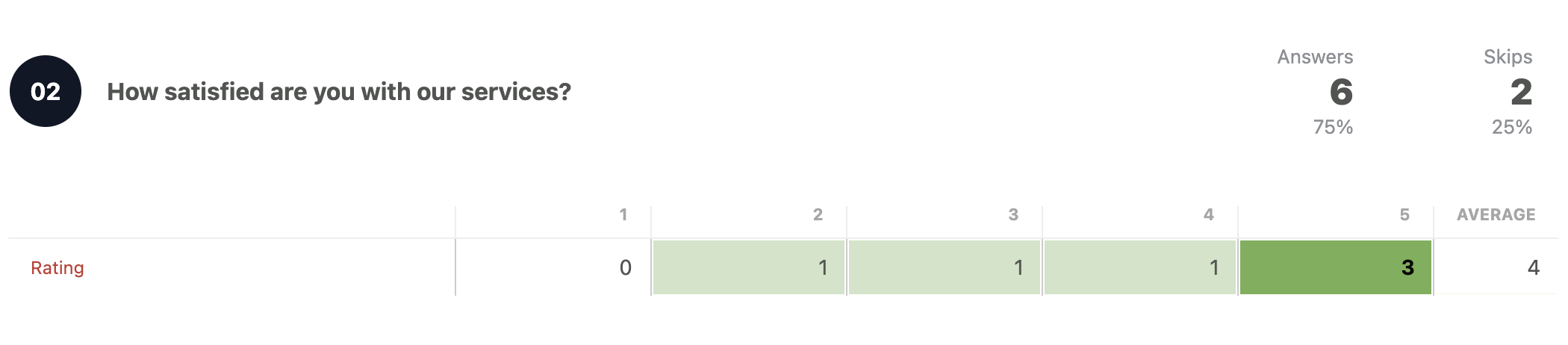
There’s a special thing about a Rating block results: they store two values. The “text” value, being it a number, letter, emoji, etc, and an underlying value going from 1 to 5. This way, when you check or export results, you can do quantitative research and averages.
 Crowdsignal