For Crowdsignal projects, and its Gutenberg-based editor, the submit button is the essential block to allow your users to get to the next page, or to do the final submission of the form.
Add the Submit Button Block
The moment you add a question or a form block, the submit block will be added to your page automatically. You can though delete and replace your submit button, or even add several submit buttons on one page:
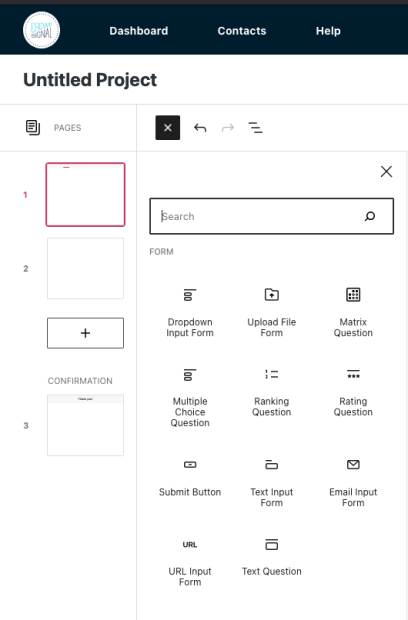
To add the Submit Button block, click on the + BlockInserter icon and search for “submit”. Click it to add the block to the post or page. Once you add your first button, you can type what you’d like the button to say.
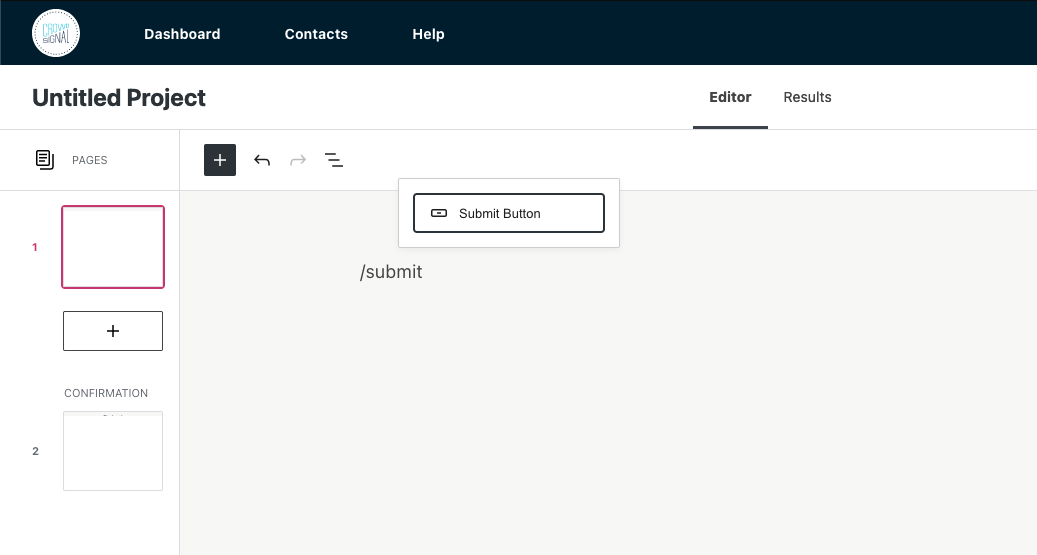
Tipp: Using your keyboard, you can also type /submit on a new line and press Enter to quickly add a new Submit Button block.
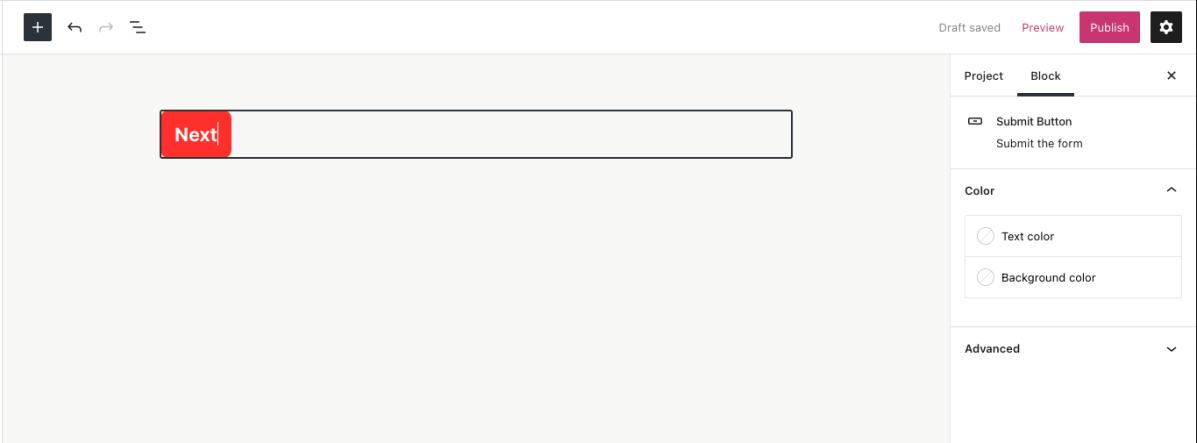
Rename the Submit Button Block
Simply click on the button, and relabel the button into what you’d like the button to say.
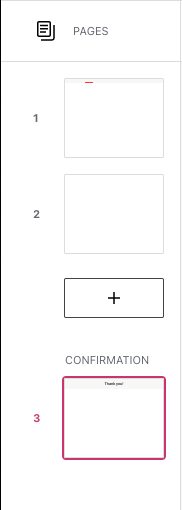
A mandatory block for all pages, besides the confirmation page
Every page needs a submit button, or your users won’t be able to get to the following page.
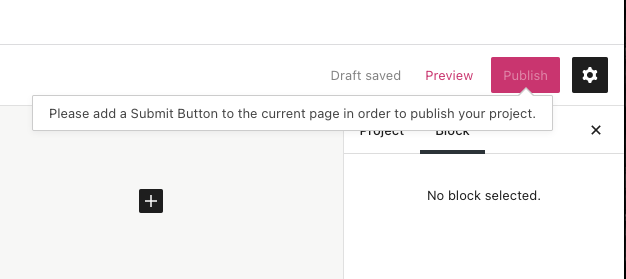
If there is a missing submit button on one of your pages, you won’t be able to publish or update your project. Makes sure all pages have a submit button, and you will be able to publish your project.
On the confirmation page, the page your audience will see after they submitted their responses, you won’t be able to add a Submit Button block, as the final submission already happened.
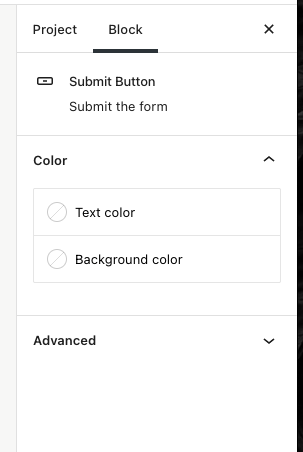
Color Settings
You can choose the text and background colors for your buttons.
Select colors that will make the button stand out, and make sure to find a nice contrast for readability purposes. Accessibility parameters are built into the new editor to warn you when the text may become illegible for persons with reading impairments.
 Crowdsignal