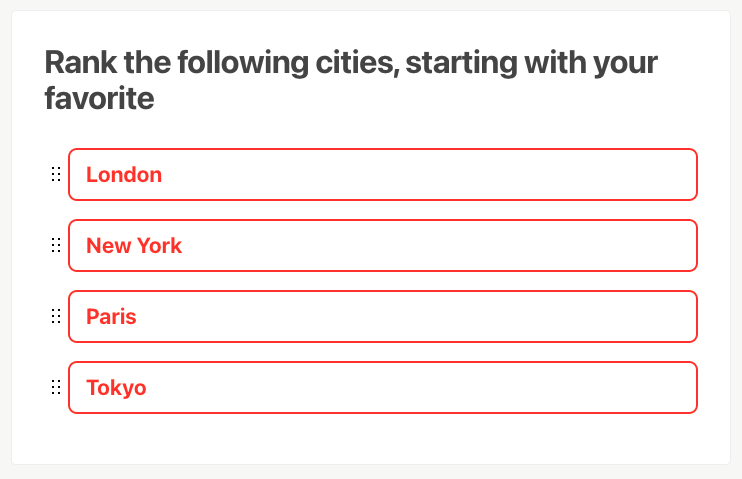
The Ranking Question block is a type of question that, from a list of options, allows dragging each option individually to sort them in a specific order.
The closer to the top of the list, the more relevant the answer will have to the results.
Adding the Ranking Question block
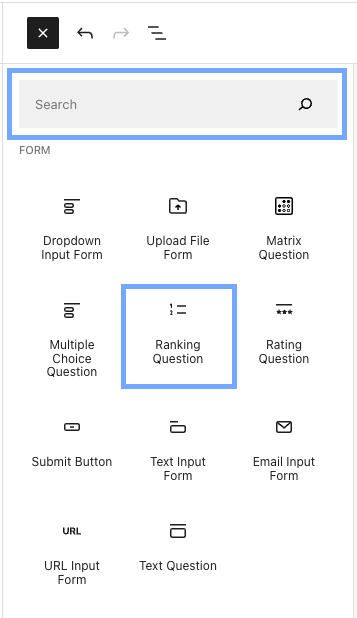
To add the Ranking block, click the  button at the top-left side of the screen to open the Block Library. Now you can select the block from the list or use the search box to type the block name.
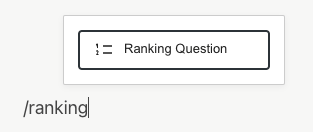
You can also type /ranking on a new line in the editor to quickly add a Ranking block.
Editing the Ranking Question block
Once you add the Ranking block, you’ll see a question and a few answer placeholders.
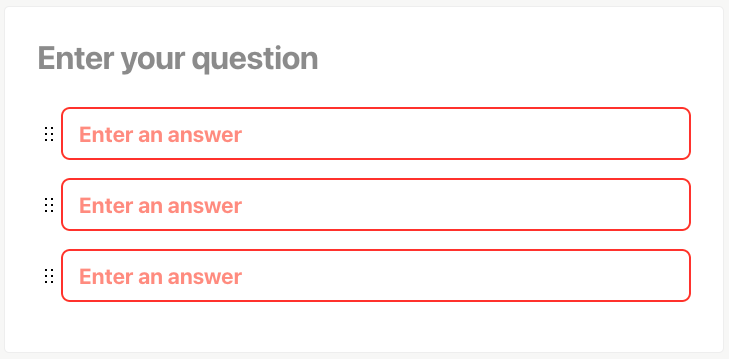
Edit the placeholders to include your question and answers.
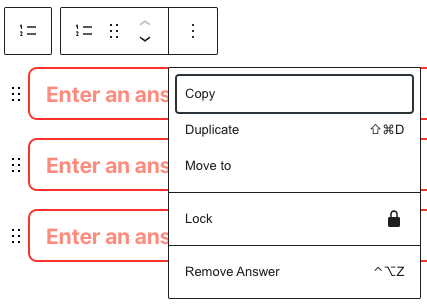
Inside an answer field, you can press the Enter key to create a new answer item or the Backspace key on an empty answer field to remove the item.
You can also manipulate an answer by clicking the Options icon visible when inside an answer field.
Collecting responses
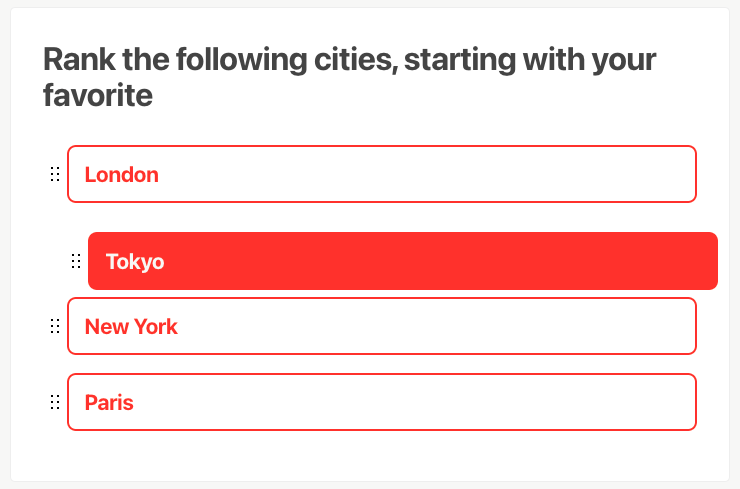
After publishing your project and sharing it with the target audience, visitors will be able to drag each of the answers to sort them into the desired order.
The results
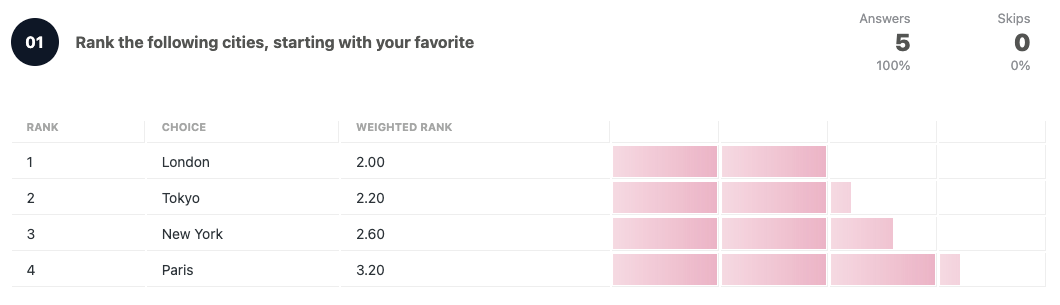
The results page will show the list of answers ordered by the weighted rank, which is calculated considering the answer’s position on each response.
 Crowdsignal