All polls can be viewed via a unique poll.fm link by default. Users with a paid plan have the option to disable this link, making the poll visible only via embedding.
Enable the option to make a poll private edit or create a poll and then click on Settings > General Restrictions and check the option to hide the poll.fm url.
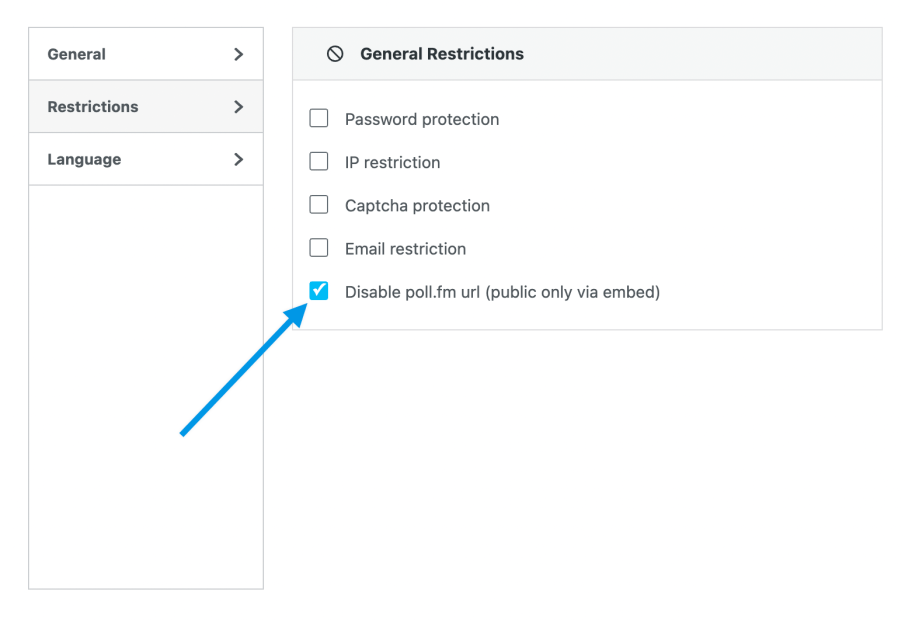
You will still see the poll’s unique URL in the sharing settings. However, when accessing that link, a notice will be displayed that the poll is private.

 Crowdsignal