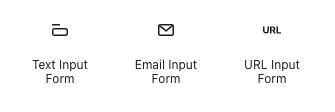
Crowdsignal Projects offer three blocks to collect additional information outside of the regular Question blocks that are part of your project. These blocks allow you to capture additional information that do not quite fit into a traditional survey, poll, or quiz. You can use these for things like gathering additional comments, collecting emails to directly reply to users and any other secondary information you would like. These blocks can be used with the others to create a hybrid survey contact form, or even used alone to create a traditional contact form.
There are 3 types of form blocks: text input, email input and URL input.
Text Input Form Block
This is the most flexible of the blocks. It allows your participants to enter any arbitrary text they like.

In edit mode, the block has the option to edit a form label. Click the default text to enter your own label, such as “Do you have any feedback for us?”.
There is also placeholder text which will appear in the form box itself. You can use this to provide hints or instructions to your participants.
Finally, there are edit points on the form field which can be used to resize the field.
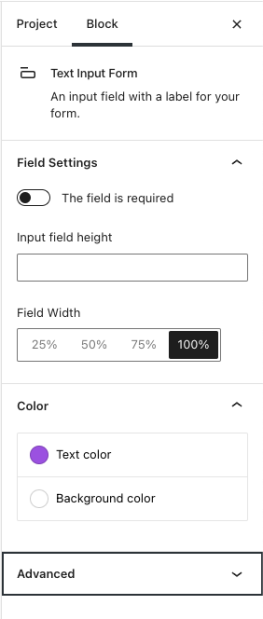
The block settings sidebar offers a few additional options to further customize and manage your question.
This field is required will force the user to put text in the field before submitting.
Besides using the circles to resize the form field, you can enter manual height dimensions and select width as a percentage of the block’s overall size.
Color options allow you to customize both the text and background color of the block.
Email Input Form Block
The Email Input Form Block works much the same way as the text input form. However, the email form block will check if the user has provided a valid email address. The label and sample text can be changed.
If the user provides an invalid email address, an error will appear under the field upon submitting the form and they will need to correct the error before being able to submit.

URL Input Form Block
The URL Input Block works exactly the same as the email block, except that it checks the user input for a valid web address. Specifically it looks for a top level domain in the text (a . followed by some other text such as .com .net .tld ) and if there is a slash after the domain and any other text, such as mygroovydomain.com/myUserProfile
crowdsignal.com/support
Entering the protocol (http:// or https:// is optional)
Viewing Results
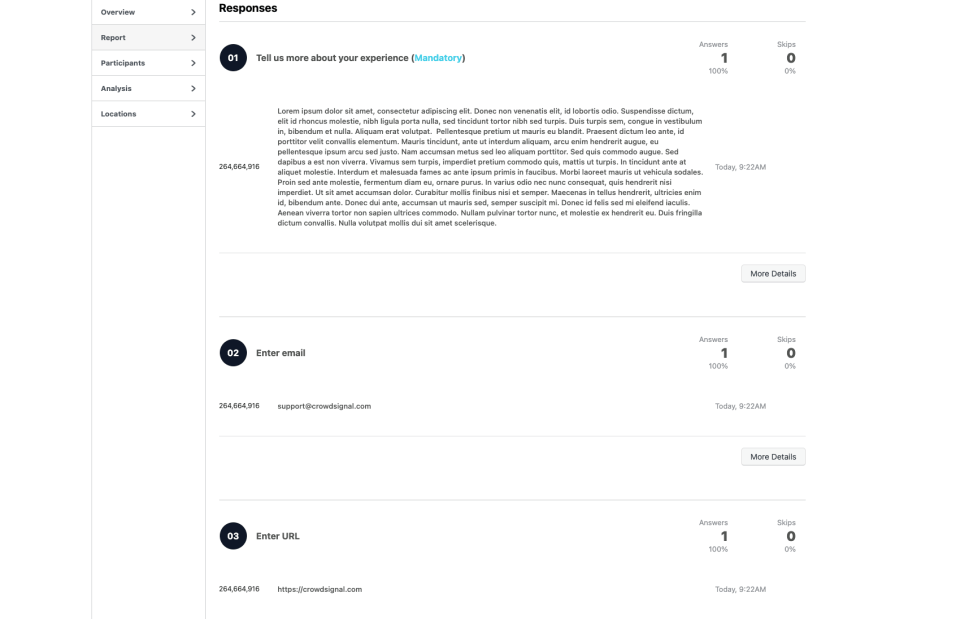
Answers to these form block questions will appear in your results page along with any other questions you may have as part of the survey.
The results page is available via the editor by clicking on the results tab. Note that this tab is only available once the project has been published.
 Crowdsignal