Duplicating a previous survey can help you save time in re-entering questions and answer options.
Hover over the title of your survey in your dashboard to reveal the menu. Click the three vertical dot menu, choose Duplicate:

Changing the duplicate’s permalink
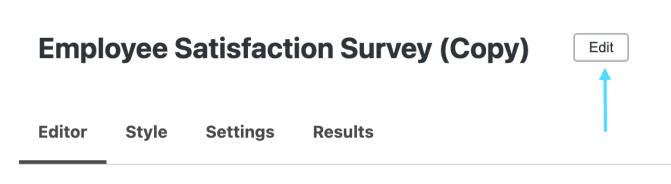
Once you click duplicate, you’ll be taken to the Editor page to give your new copy a name. Click Edit to change the name (in this case, we want to name our duplicate Spring Employee Satisfaction Survey).
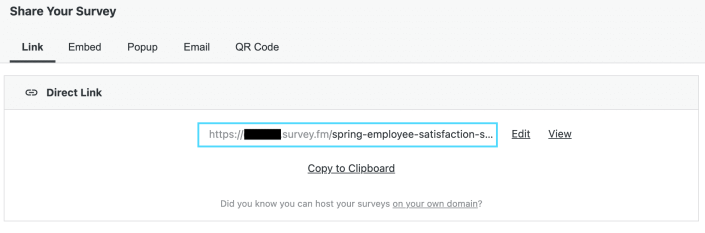
After changing the name, the permalink will be automatically changed to match the new name of your duplicate survey.
 Crowdsignal